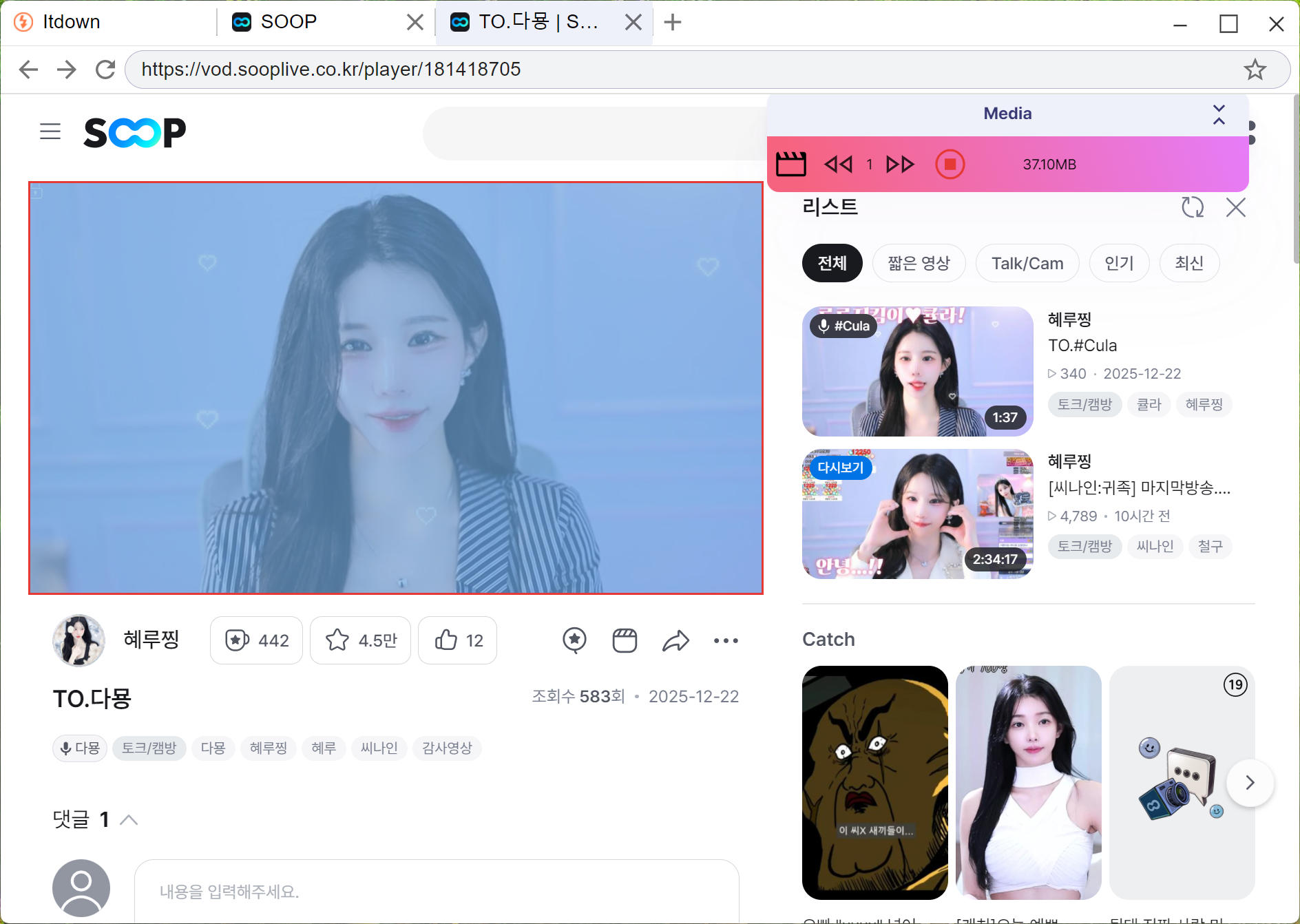
How to download Sooplive Stream/VOD
Navigating the digital realm of video streaming can be a delightful yet challenging adventure, especially when you wish to save the stream content for offline viewing.
SOOP (Sooplive, previously known as AfreecaTV), a dynamic live streaming platform with roots in South Korea, offers an eclectic mix of content—from thrilling eSports competitions to engaging lifestyle and gaming channels. But how do you keep a piece of this vibrant digital tapestry for yourself?
With Itdown Video Downloader, saving live streams and VODs from Sooplive is not only possible but also efficient and user-friendly.
Unveiling SOOP: A Global Powerhouse in Live Streaming
SOOP is not just a platform; it's an immersive experience for viewers and streamers alike. Rich in diverse content, it welcomes a global audience with its modern interface and multilingual support, making it an inclusive environment for international spectators.
The site's seamless navigation affords a stress-free browsing experience, ensuring audiences and content creators can both savor and share high-quality streaming content. With its blend of free access, exclusive esports broadcasts, and premium offerings, SOOP caters to a variety of preferences, fortifying its position as a versatile entertainment hub focused on gaming, sports, and real-time interaction.
Itdown Video Downloader: the best way to download Sooplive Live Stream
It isn't uncommon to find oneself in a place without reliable internet access or simply preferring the uninterrupted pleasure of watching downloaded content. Itdown Video Downloader is your ally in this aspect, offering a streamlined process to download/record your beloved Sooplive livestreams and VODs with ease.
Not only does Itdown excel with Sooplive, but its functionality also spans across other titans of streaming like Twitch and YouTube, covering an extensive landscape of over a hundred different platforms. With fast, batch downloading capabilities, Itdown ensures you have your chosen content at your fingertips, even offline.
How to use Itdown Video Downloader to download live stream and videos from Sooplive
Using the Itdown Video Downloader is a straightforward process for downloading and recording live streams and videos, here is a step-by-step guide to help you through the process:
-
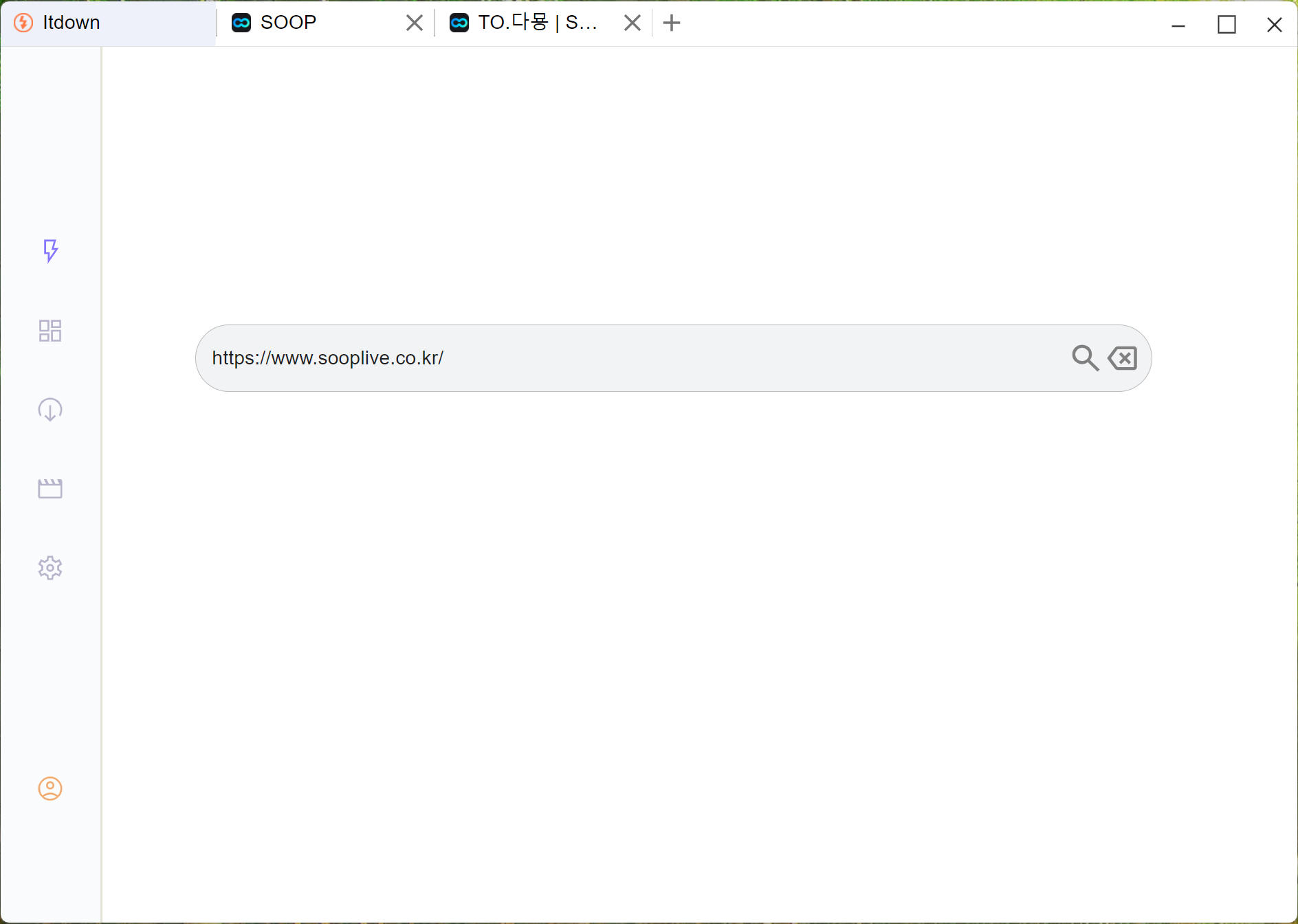
Open the Sooplive page, you can open it directly in Itdown home page
-
As the video or stream plays, you'll notice a floating 'media list widget' around the page.
Hover your mouse cursor over the media list. The video should become highlighted, indicating that it's ready.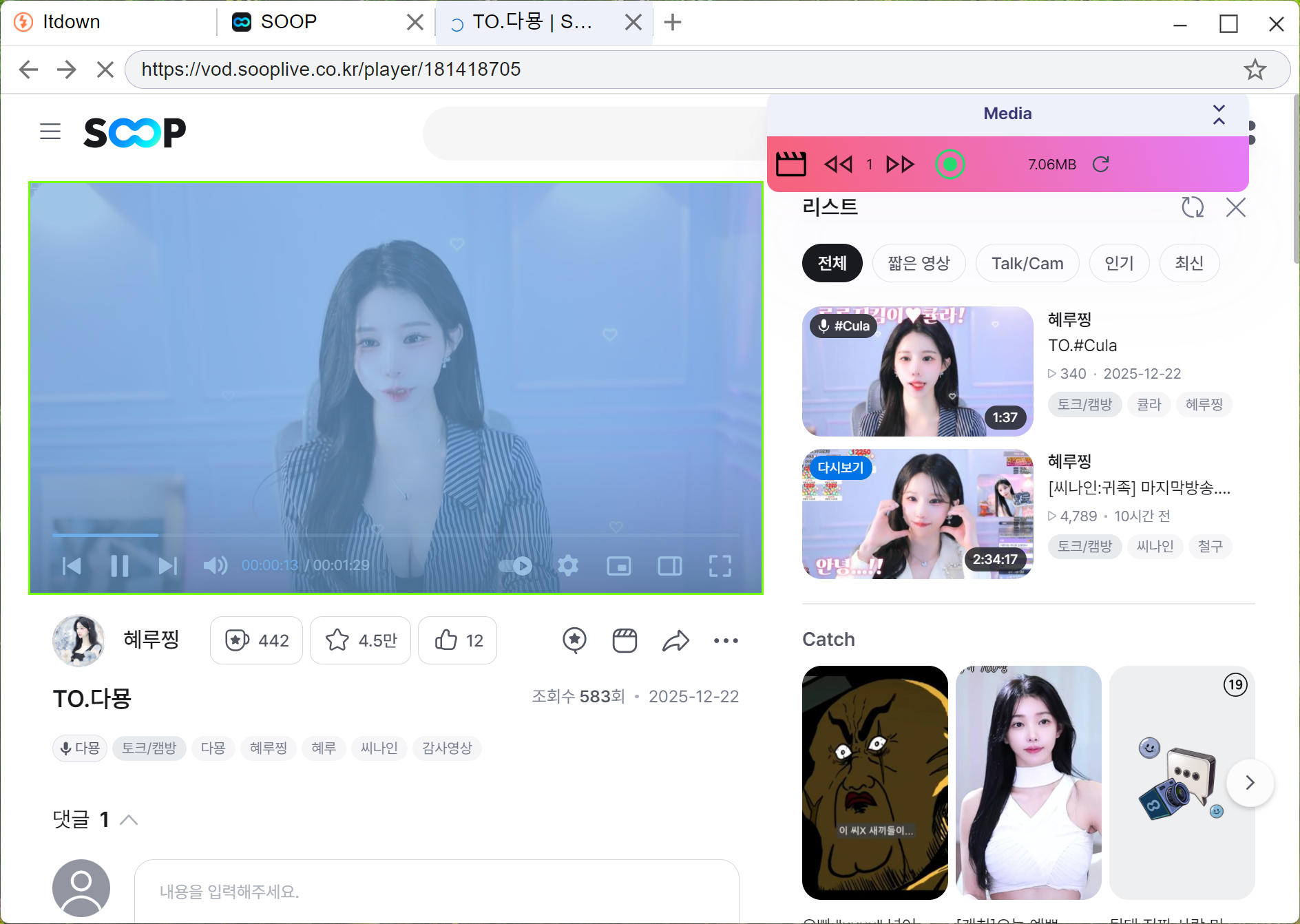
-
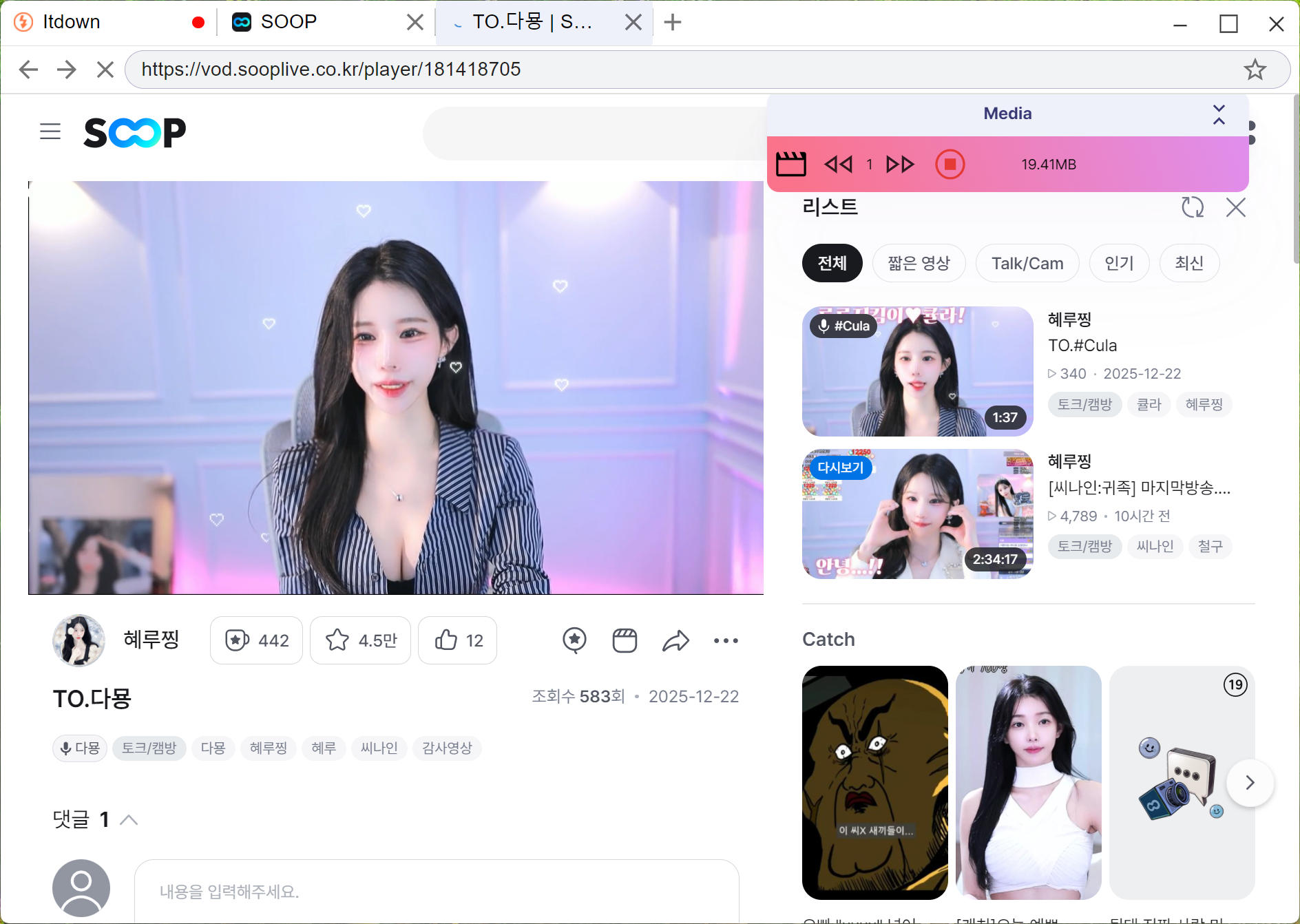
Click the record button to start recording the live stream.
-
Then you can see the progress in the task list.
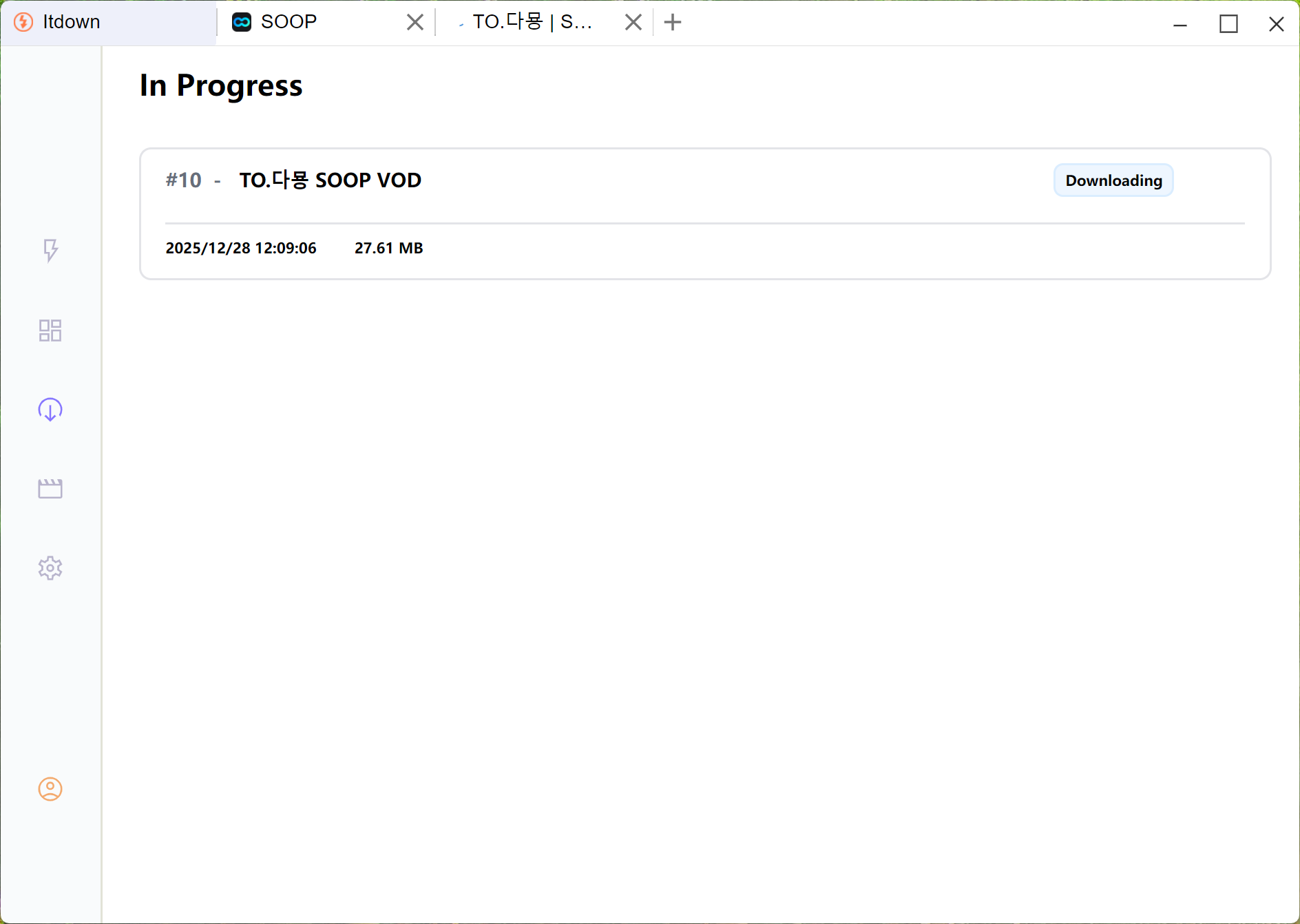
-
When you wanna end the download, click the button again, the stream/video will be saved to your library, allowing you to watch it offline whenever you want.